Choose the questions
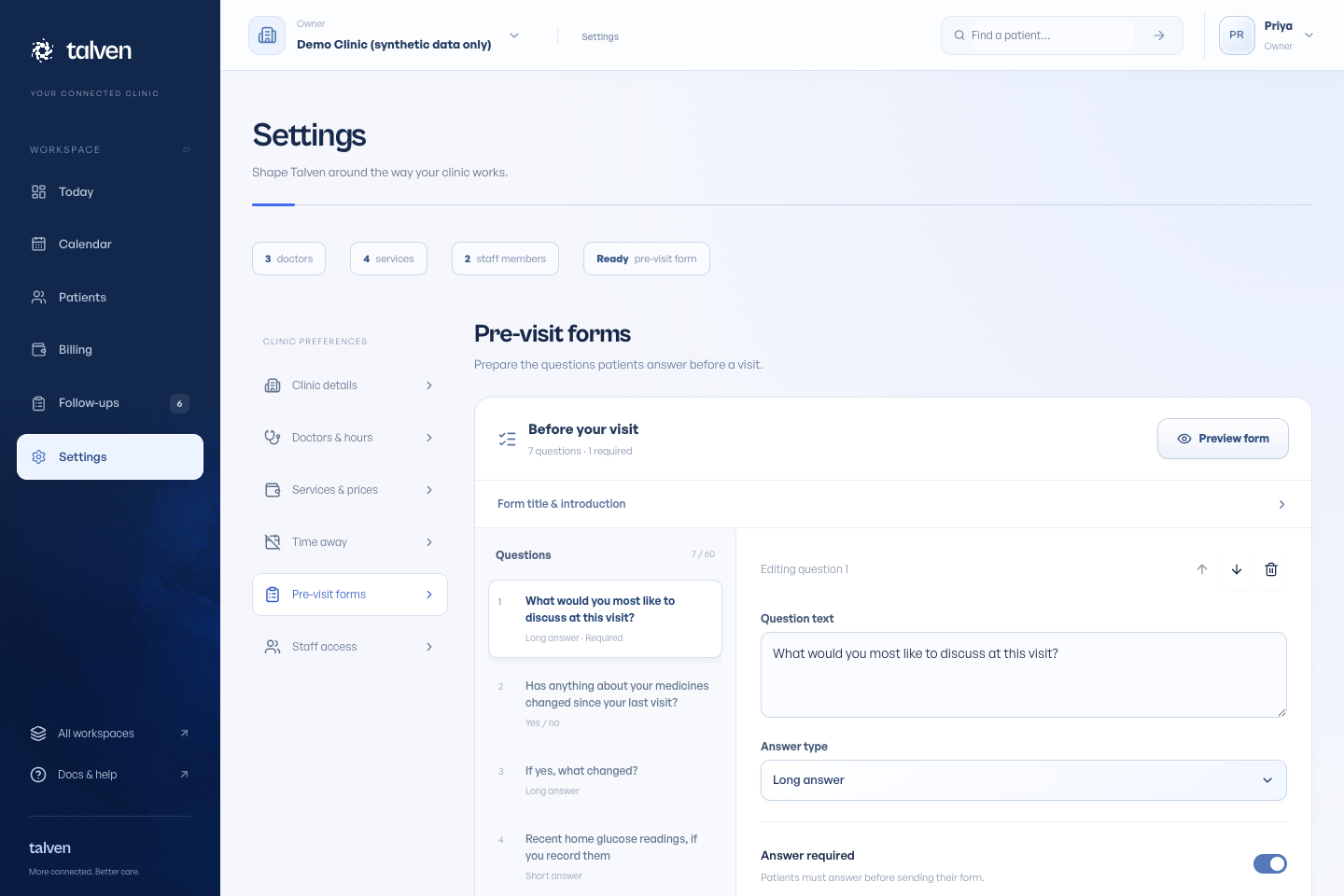
Open Settings → Pre-visit forms. Set the title and introduction, then edit each question and its answer type.
Use required questions sparingly. For yes/no questions, patients must explicitly choose an answer rather than treating an empty response as No.
Check the patient experience
Use the preview to read the questionnaire in the order the patient will see it. Reorder or remove questions that are no longer useful.
Give each question a clear purpose and avoid asking for information your clinic does not need.
Publish a revision
Publishing makes the new form available for unanswered visits. Submitted answers retain their original questions.
A patient already completing the previous form can finish it. This preserves what they were actually asked.
Keep the questionnaire easy to finish
Use one question for each thing you need to know. “What would you most like to discuss at this visit?” is easier to answer than a single question asking about symptoms, medicines and history together. Add a short introduction that explains who will read the answers.
Choose a long answer when the patient needs to explain something, and yes/no only when those options fit the question. If a later question starts “If yes”, make its wording clear enough to understand on its own. Do not assume a question will be hidden automatically.
Preview the whole questionnaire after reordering questions, including on a narrow screen. Publish when the order and required fields are correct. Edits to a new revision do not rewrite answers a patient has already submitted.