Patient records
Patient history, ready for the next visit.
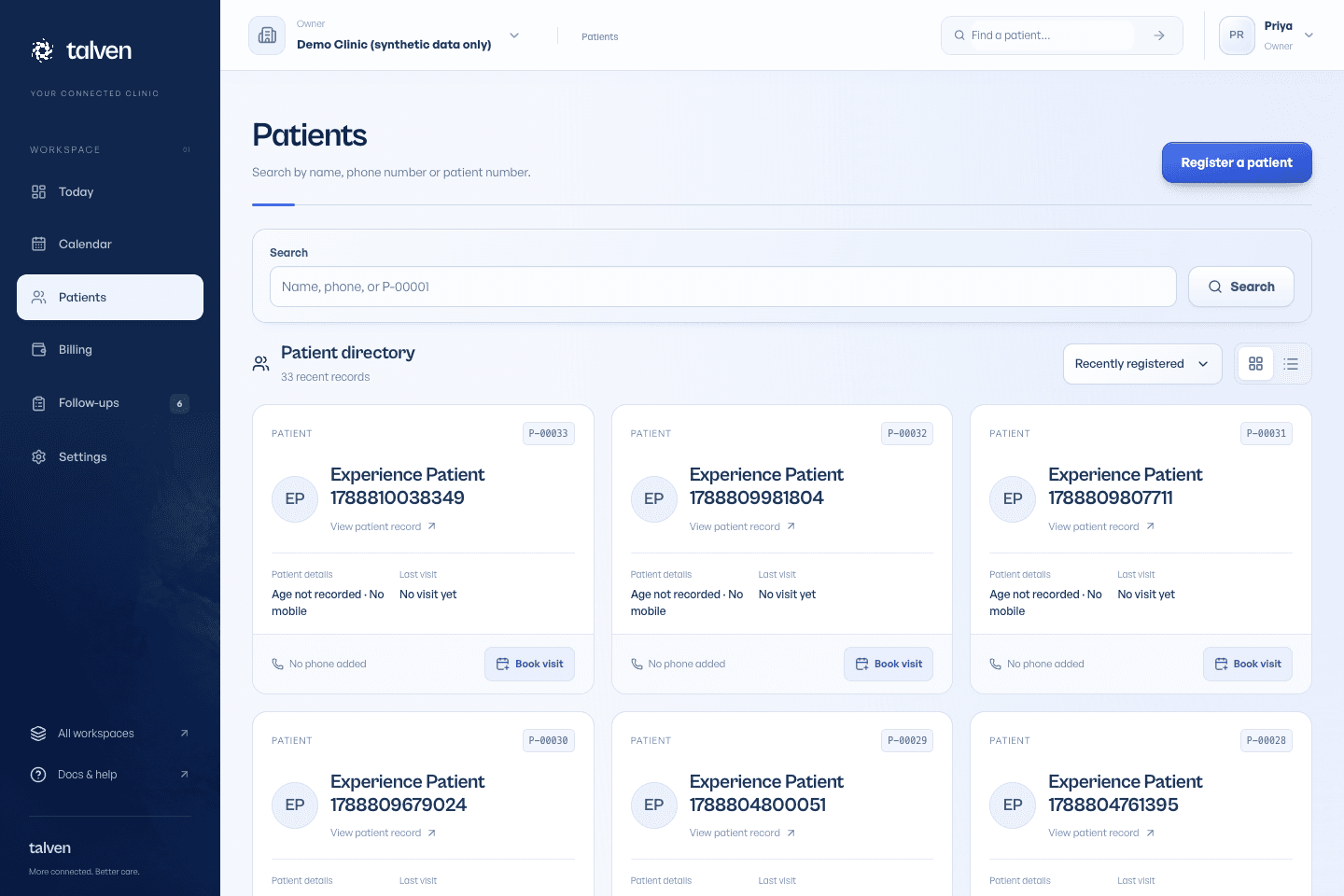
Find a patient by name, mobile number or patient ID. Their timeline keeps appointments, consultations, documents, invoices and follow-up work together, so the next visit starts with the existing history.
Demo & early access · Built for outpatient clinics
Search before you register
Try a name, mobile number or patient ID. Partial phone matches and tolerant name search help with incomplete information. Confirm distinguishing details with the patient; a shared family mobile number is not proof that two records belong to the same person.
- Review identifying details before opening a chart
- Keep registration short when the patient is waiting
- Record missing information later rather than inventing values
Keep duplicate handling deliberate
Duplicate warnings prompt a review. An authorised staff member can select a source and destination record and confirm an audited merge that preserves linked visits, consultations, invoices, reports and follow-ups. Similar names alone should never trigger a merge.
Compare the two records first
Check patient identity and any portal access before confirmation
Retain the record of the merge decision
Separate contact details from access
A caregiver contact helps staff reach someone. It does not grant access to the patient's chart. Patient portal invitations match a verified account to the intended record; released documents and eligible patient information are then available through that account.
- Individual patient invitations
- Explicit document release
- Authorised chart export when records need to be moved
Register and find patients
Keep identity, history and contact details in one place.
Read the guideFrequently asked questions
Ask us a questionMust every patient have a unique mobile number?
Families may share a phone. Use the patient ID and other confirmed details to distinguish people. Do not merge family members because a number matches.
Can I see records from a different clinic?
Only the records available through your membership and role in the active clinic workspace. Talven does not provide automatic cross-clinic record sharing.
ONE WORKSPACE. FROM FIRST VISIT TO FOLLOW-UP.
Let care
come together.
Currently in demo.
No payment required to apply.